
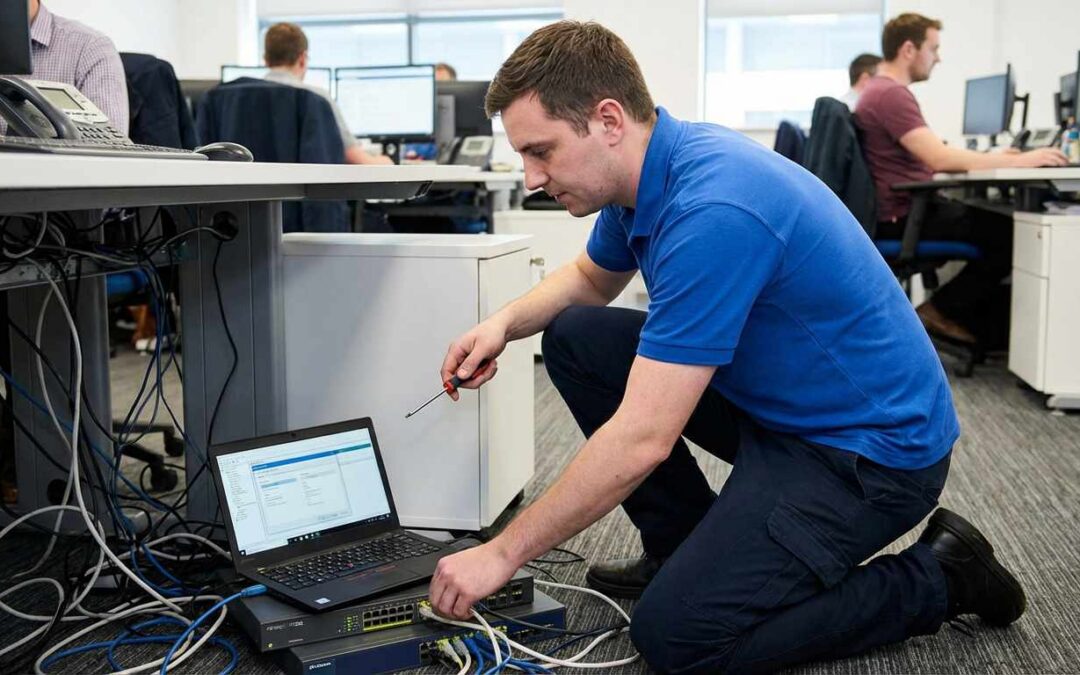
Technology is at the heart of nearly every small business today. Companies depend on digital tools for tasks like processing payments and staying in touch with customers around the world. As such common IT problems for small businesses have become the norm.
When these systems fail or slow down, the impact is felt immediately across the entire organization. Minor technical glitches often grow into significant roadblocks that stall growth and frustrate your team.
These interruptions cost more than just lost time. Ongoing technical problems can hurt your reputation with clients who expect smooth service.
Most small businesses operate without the benefit of a dedicated internal IT department. This lack of oversight means that minor errors often go unnoticed until they cause a total system shutdown.
Identifying common IT problems for small business is the first step to creating a stable business environment. When you understand these risks, you can shift from reacting to issues to preventing them.

Hardware Lifecycles: Slow Computers and Peripheral Failures
Nothing lowers office morale faster than a computer that takes ten minutes to start. Slow performance is often caused by old hardware that is past its useful life.
When employees have to wait for programs to load, they lose focus and momentum. This often happens when staff try to multitask on computers with too little memory or outdated processors.
Many small businesses try to save money by using old computers for as long as possible. However, this often leads to more lost productivity than the cost of buying new equipment.
Old processors and hard drives cannot keep up with today’s business software. Having a plan to update hardware regularly helps make sure everyone has reliable tools.
The same goes for office equipment like printers and scanners, which often break down at the worst times. These problems are usually caused by old drivers or worn-out parts, leading to frequent troubleshooting.
Using the same, up-to-date hardware across your team can significantly reduce IT problems. With modern and consistent equipment, support requests go down and efficiency goes up.
Network Stability and Connectivity
A fast, reliable network is essential for any growing company. Many small businesses struggle with connectivity because they use home-grade routers instead of business equipment.
These routers often cannot handle the heavy traffic and the many connections needed in an office. This results in dropped video calls and slow access to essential cloud applications.
Office dead zones can force employees to work in certain spots to get a signal. A professional site survey can help find and fix these weak areas for full coverage.
A poorly designed network can slow your team down. Using business-grade networking equipment with better range and stability helps everyone work at their best.
Managed switches and professional access points give your office the bandwidth it needs. We also make sure these networks are secure to protect your company’s private data.
A well-designed network makes sure your Wi-Fi works in every part of the office. This stability helps employees stay connected and productive without worrying about sudden outages.
The Security Gap: Email Threats and Employee Mistakes
Cybersecurity is one of the biggest concerns for small businesses today. Many security breaches start with a single email from a malicious sender.
Phishing attacks try to trick employees into giving away login details or downloading harmful files. These issues can lead to email breaches and severe financial losses.
We advocate for a multi layered approach to security that starts with robust email filtering and monitoring. Protecting your primary communication channel is the most effective way to stop threats before they reach an inbox.
We also strongly recommend implementing multi factor authentication as a standard defense. This simple step stops attackers even if they manage to steal a valid password from one of your users.
Human error is still a top cause of data breaches in every industry. Employees may reuse weak passwords or click on links that look safe but actually contain malware.
We offer ongoing security training to help your team spot these digital threats. Teaching staff to recognize suspicious emails builds a strong human firewall for your business.
Automated Protection: Software Updates and Patching
Software developers often release updates to fix bugs and close security gaps. Many small businesses delay these updates because they worry a restart will disrupt their workday.
Using software that hasn’t been updated is a common problem that attackers take advantage of. Each day you skip an update, your business stays at risk.
This risk isn’t limited to your operating system. It also includes third-party apps like web browsers and PDF readers. We make sure every tool your team uses is updated and secure.
Manual updates are often inconsistent and can leave critical systems out of date. We use automated tools to keep all your applications and operating systems up to date.
Keeping your software updated also prevents compatibility issues between different tools in your tech stack. New versions of software often work better together and provide improved features for your staff.
Automated systems allow us to test updates in a safe environment before pushing them to your entire network. This proactive approach ensures your security stays tight without causing unexpected software crashes.
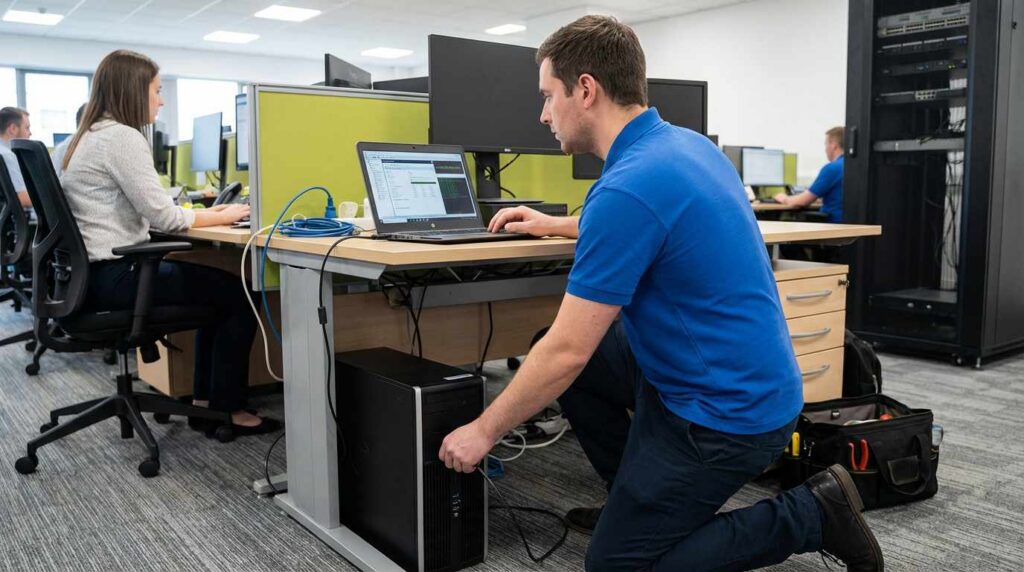
Data Resilience: Backups and Disaster Recovery
Data loss is a catastrophic event that can permanently close the doors of a small business. We frequently encounter companies that believe they are safe simply because they copy files to a local external drive.
This approach fails to protect against physical disasters like fire or theft that could destroy both the computer and the backup drive. We recommend implementing a cloud based solution that stores your critical information in a secure remote location.
Another significant oversight is the lack of regular recovery testing to ensure the backup files are actually usable. We often see businesses try to restore data only to discover their backup files are corrupted or incomplete.
A reliable disaster recovery plan includes a clear schedule for testing these backups to guarantee they work when needed. We help you establish these protocols so you can recover quickly from accidental deletions or hardware failures.
Common IT problems for small business owners often involve losing years of work due to a single ransomware attack. We mitigate this risk by maintaining redundant copies of your data that are isolated from your main network.
Operational Efficiency: Onboarding and Offboarding
The process of bringing new employees into a company is often disorganized and technically frustrating. We notice that new hires frequently spend their first week waiting for email access or proper software installation.
This delay slows down productivity and creates a poor first impression for your growing team. We solve this by creating standardized onboarding checklists that ensure every user has the right tools on day one.
Security risks also increase significantly when an employee leaves the organization without a proper exit procedure. We often find former staff members who still retain active logins to sensitive company databases or email accounts.
Failing to revoke access immediately allows for potential data theft or malicious activity by disgruntled former employees. We implement strict offboarding workflows that automatically deactivate accounts and secure company data the moment an employee departs.
Documenting these processes helps your business maintain compliance and operational speed during staff transitions. Consistent user management is a key component of a mature and secure IT environment.
Strategic Planning: Managed IT vs. Internal Resources
Many small businesses rely on a single internal person to handle every technical request that arises. We know that one individual cannot be an expert in cybersecurity, network engineering, and cloud infrastructure all at once.
This reliance on a single point of failure often leads to burnout and slow response times during peak periods. We offer a team based approach that gives you access to a wide range of specialized experts for a flat monthly fee.
Moving from a reactive model to a proactive strategy is essential for long term stability and growth. We work with you to create a technology roadmap that aligns your IT investments with your business goals.
Reactive support means you only fix things when they break, which leads to unpredictable costs and frequent downtime. We focus on preventing issues through monitoring and maintenance, so your operations run smoothly without interruption.
Common IT problems for small business leaders often stem from a lack of strategic vision regarding their technology stack. We act as your strategic partner to ensure your technology drives your business forward instead of holding it back.
FAQ: Common IT Issues Explained
What are common IT issues businesses face?
Small businesses frequently struggle with slow hardware performance and unstable internet connections that disrupt daily work. We also see serious challenges related to weak cybersecurity defenses and a lack of reliable data backup procedures.
What are the most common IT problems?
The most frequent technical problems include printer malfunctions and software compatibility errors that waste employee time. We also encounter widespread issues with unpatched software vulnerabilities that expose companies to ransomware attacks.
What is a common problem in a lot of IT departments today?
Internal IT teams often face the problem of being overwhelmed by routine support tickets and lacking time for strategic projects. We find that this resource constraint leads to burnout and prevents the department from implementing necessary security upgrades.
How does poor IT support affect business growth?
Inefficient support creates a cycle of downtime where employees spend more time fixing tools than doing their actual jobs. We see that businesses stuck in this reactive loop struggle to scale because their technology cannot handle increased demand.
Why is data backup critical for small businesses?
Data loss from hardware failure or cyberattacks can be financially devastating and legally damaging for a small company. We emphasize that a reliable backup system is the only insurance policy that guarantees you can recover your operations after a disaster.
Final Thoughts on Avoiding Recurring IT Problems
Technology should facilitate your success rather than becoming a constant source of frustration and delay. Most technical headaches are entirely preventable with the proper maintenance and strategic planning.
Common IT problems for small business operations do not have to be an accepted part of your daily reality. Addressing these issues with professional support creates a stable foundation for your company to grow.
We encourage you to view IT support as an investment in your productivity and security rather than just an expense. Partnering with a managed service provider ensures your technology works for you every single day.